I Can't Find the Stackable Settings Icon in the Editor
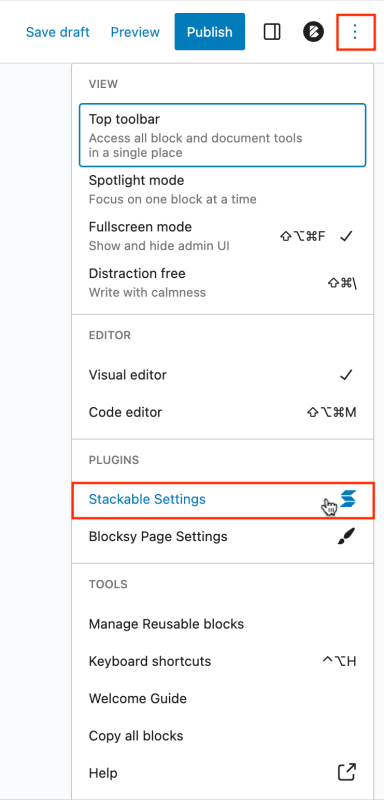
If you don't see the Stackable Settings icon on the top right of the Editor, you can choose to show it by clicking the three dots button then selecting Stackable Settings on the dropdown menu.

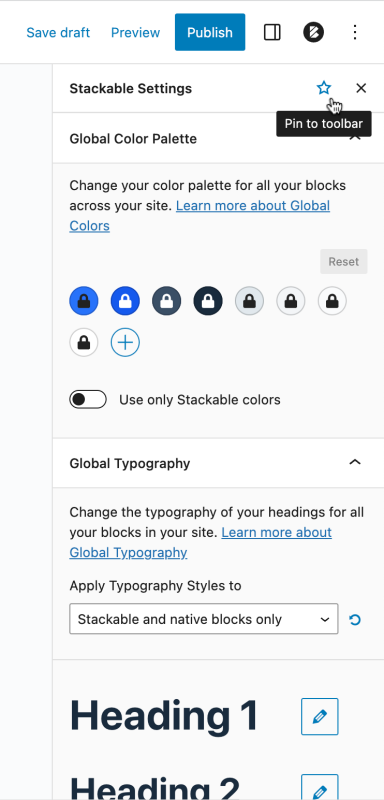
This will open up the Stackable Global Color Palette and Global Typography menus.
If you click the star icon next to Stackable Settings on the top of the menu, you can pin Stackable Settings on the top toolbar so you can access the global settings anytime.