
Designs Not Showing in the Design Library

If designs are not showing in the Design Library, please try the following solutions:
- Deactivate your plugins and check if the problem still occurs with only Stackable activated.
- Go to the Stackable Settings in your WordPress dashboard. Turn off the Design Library then turn it on again. Update the page in the Editor.

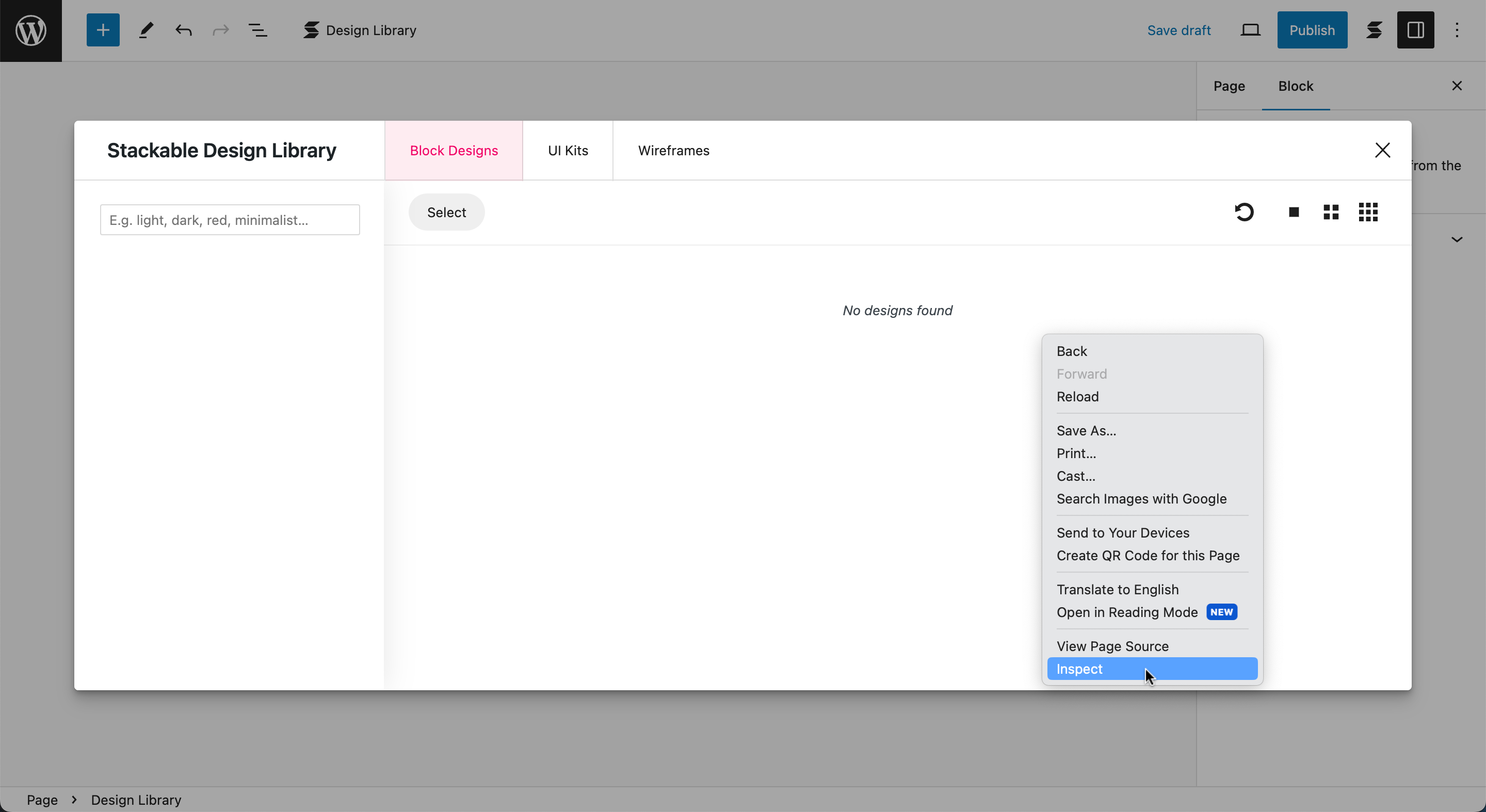
- Open Browser Network tab. Right-click "Inspect" when the Design Library is open. While the Design Library is open and the Network tab is open, click the Refresh button to make the error message appear in the Network tab.

If designs still don’t show in the Design Library after taking these steps, please email our support team at support@wpstackable.com.